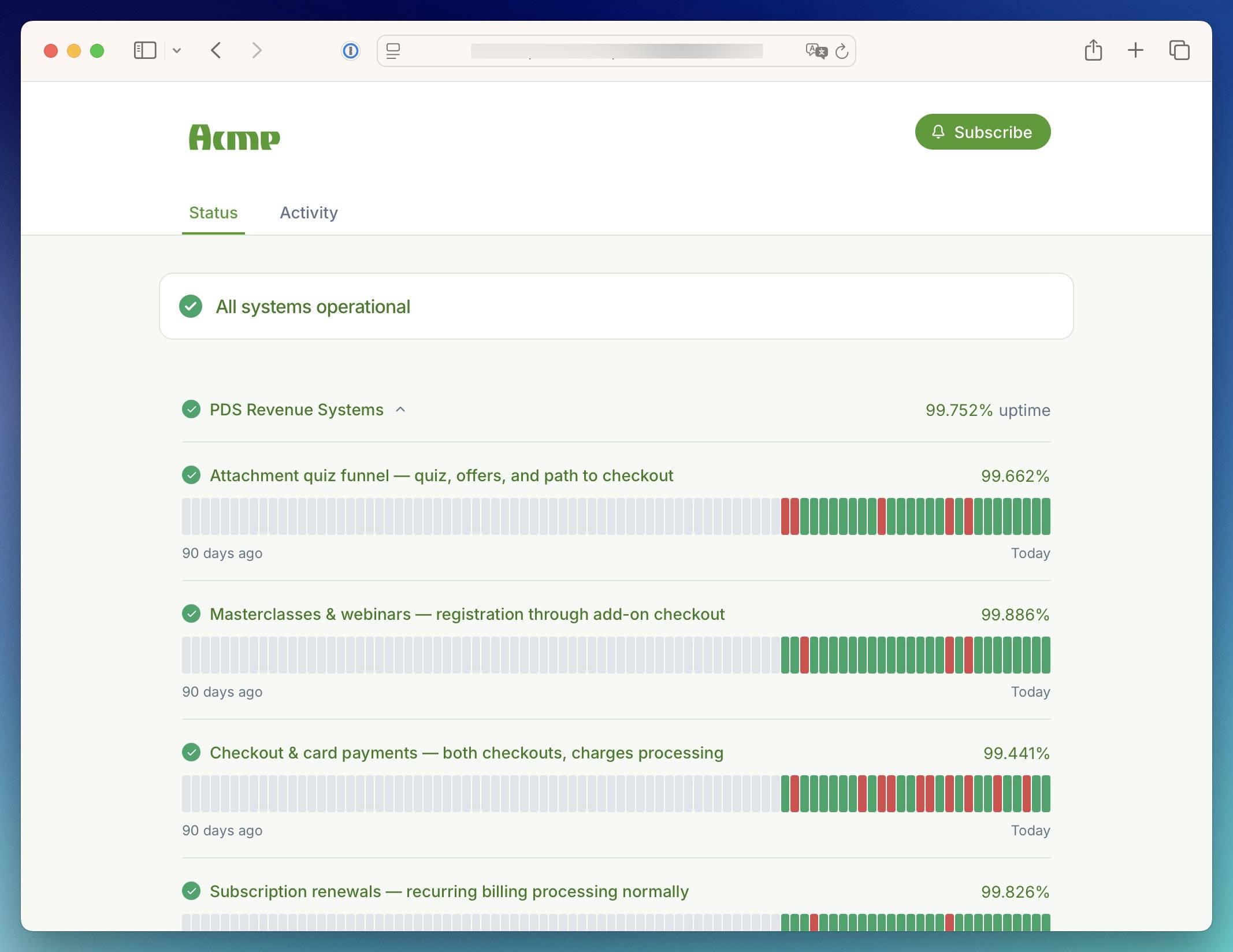
Theme customization is available on Communicate Team and Enterprise plans.
View pricing
Logo and favicon
Put your own brand front and center. Your logo sits at the top of every page view, and your favicon makes the page easy to spot in a crowded tab bar. Both are set by URL, so host the image files somewhere publicly reachable first.- Logo: your primary brand mark, displayed in the page header. Use a PNG, JPG, or SVG with a roughly 5:3 aspect ratio for the best fit.
- Dark mode logo: an alternative version shown when the page is in dark mode, so your logo looks sharp on both light and dark backgrounds.
- Logo redirects user to: where visitors go when they click your logo. Point it at your website to keep them close to your product.
- Favicon: the icon in the browser tab and bookmarks. Use a PNG, ICO, or SVG.
Theme
Choose the look that suits your brand, or let each visitor decide:- Auto: matches the visitor’s system preference, so the page always feels native.
- Light: a clean, bright layout for every visitor.
- Dark: a darker layout for every visitor.
Custom theme colors
Go beyond a logo and make the whole page yours. Every major surface and text color can be overridden to match your brand guidelines, with separate palettes for light and dark mode under the Light and Dark tabs.